Setting up the TP-Link VPN Router

The necessary equipment you should have is 1 VPN router, 1 power cord, and 2 ethernet cords.
The first thing to do it to insure the power cord is connected.
Next step is to plug an ethernet cord that runs from your home modem to the blue slot on the VPN router.

The next step is to plug the other ethernet cord from your computer/laptop to ANY of the orange slots on the VPN router.
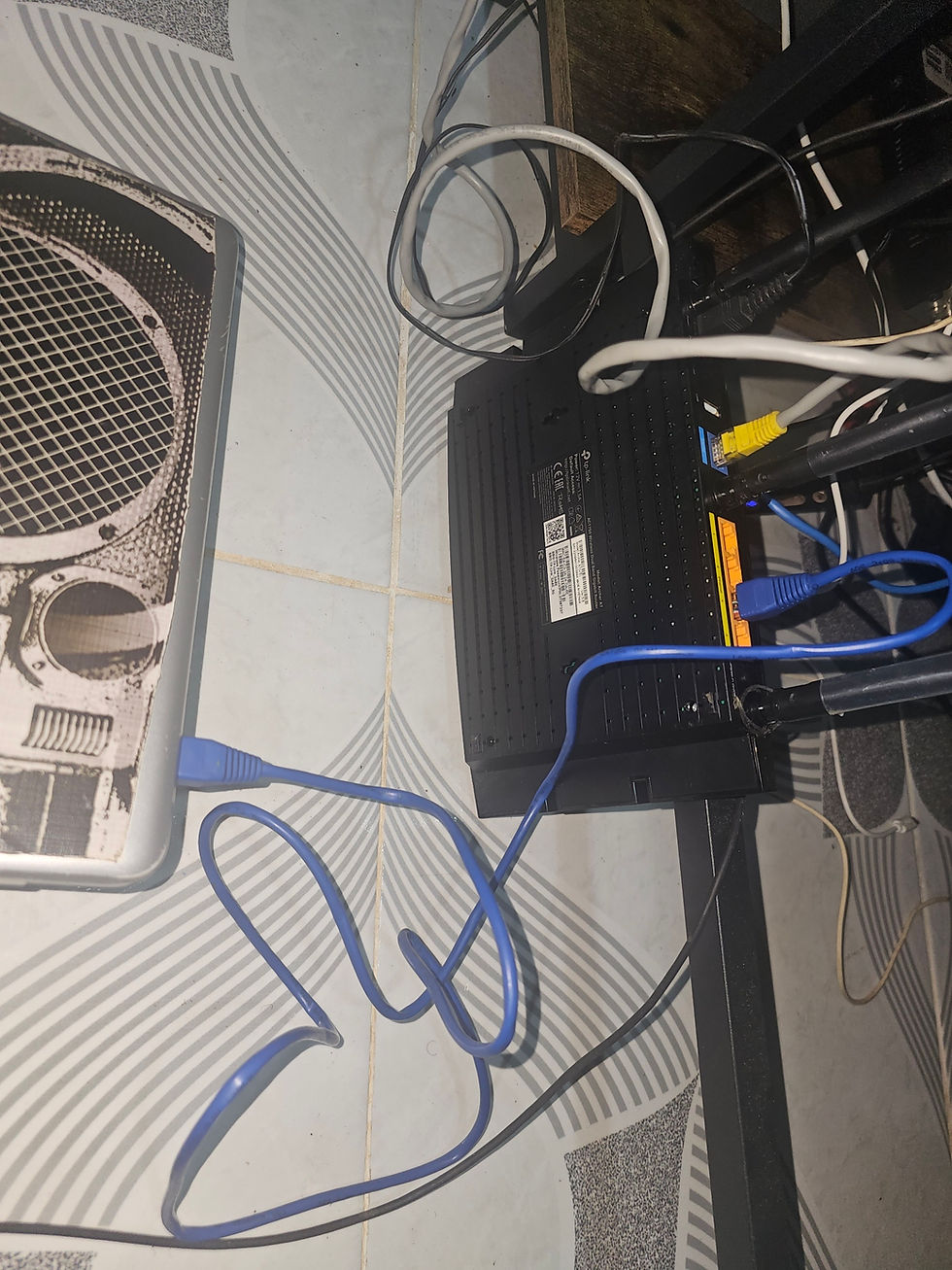
Once the power cord and the 2 ethernet cords are connected to the correct slots, the router will take a few minutes to totally boot up. Once it does, all lights on the router should be green.


Comments